Five coding agents.
One window.
A local browser interface around the CLIs you already use.
npx agent-workbench
# try it once; about 60 MB the first time
npm install -g agent-workbench
agent-workbench# in your project’s folder
git clone https://github.com/cvelasquez/agent-workbench.git
cd agent-workbench && corepack enable pnpm && pnpm install && pnpm dev
- MIT licence
- 127.0.0.1 only
- no network calls of its own
What does it add to my terminal?
Your CLI stays exactly as it is. Agent Workbench adds what a terminal alone doesn’t give you.
claude codex opencode agy pi# unchanged- tabs, one per agent, each in its own folder
- every past conversation, from all five CLIs
- the conversation as easy-to-read cards
- a context meter, in tokens, never money
- the files that changed, and their diff
- 5# CLIs it works with
- 9# interface languages
- 0# network calls of its own
- 1# command to try it
What sits around my CLI?
The terminal is still the terminal: everything you type goes straight to the CLI. The rest sits around it.
Cards, changes and a diff, one tab per CLI, and a conversation continued with another CLI.

The messages as cards, live, with tool calls folded. Answer the agent’s questions right there, depending on the CLI.


The branch, the changed files and their diff. Open a new branch in its own folder so several agents work in parallel.
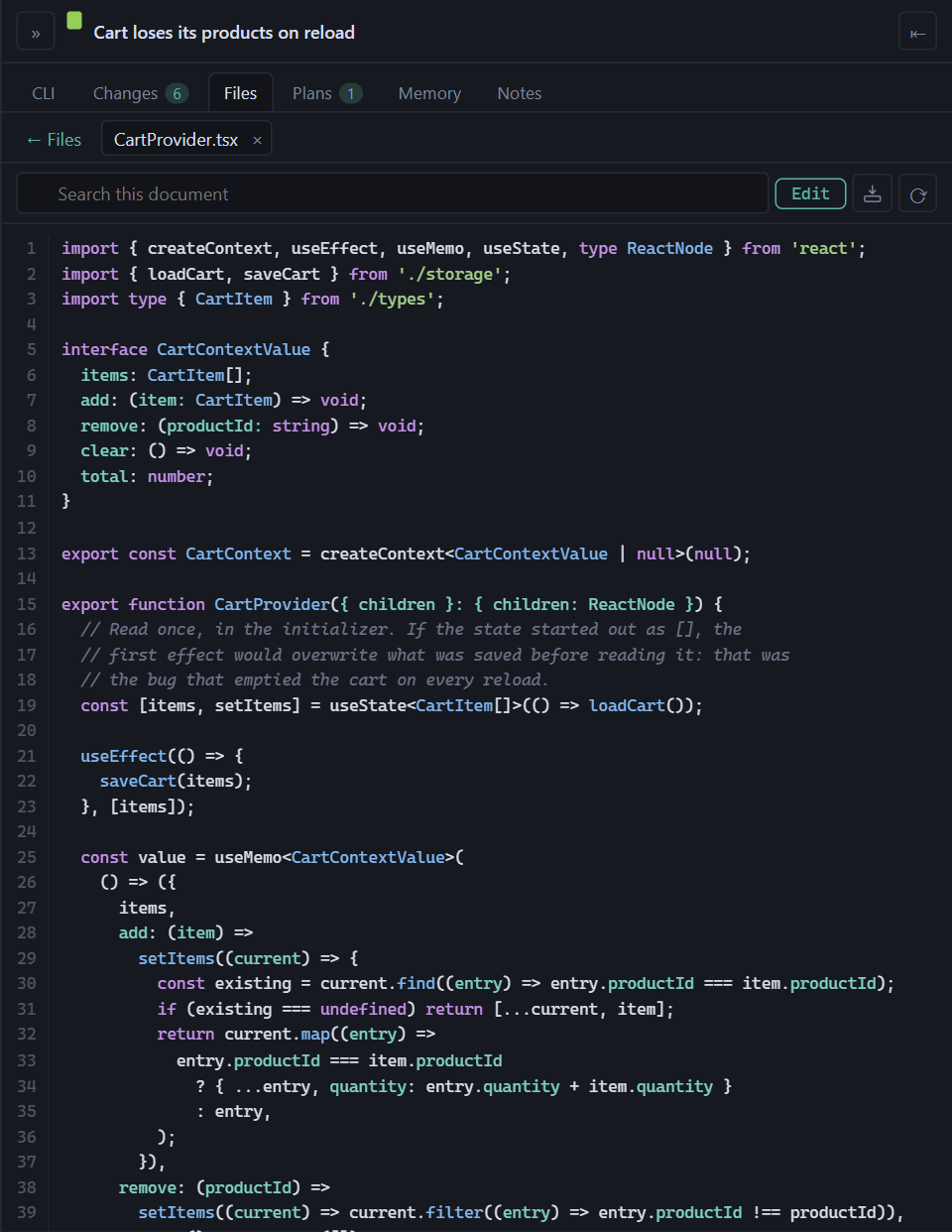
The file tree with search and a highlighted preview. Edit a text file without overwriting the agent’s changes.

Shared memory between the five CLIs, with the notes it imported. Optional, and off by default.

Search every conversation from every CLI. It comes with the optional backup of your history.
Can I see it working first?
The whole app in a six-minute tutorial, and one short per feature, none longer than 40 seconds.
 Play the tutorial
The whole app in 6 minutes
With chapters, from the first tab to merging a branch. YouTube loads only when you press play.
One feature per short, with sound
-
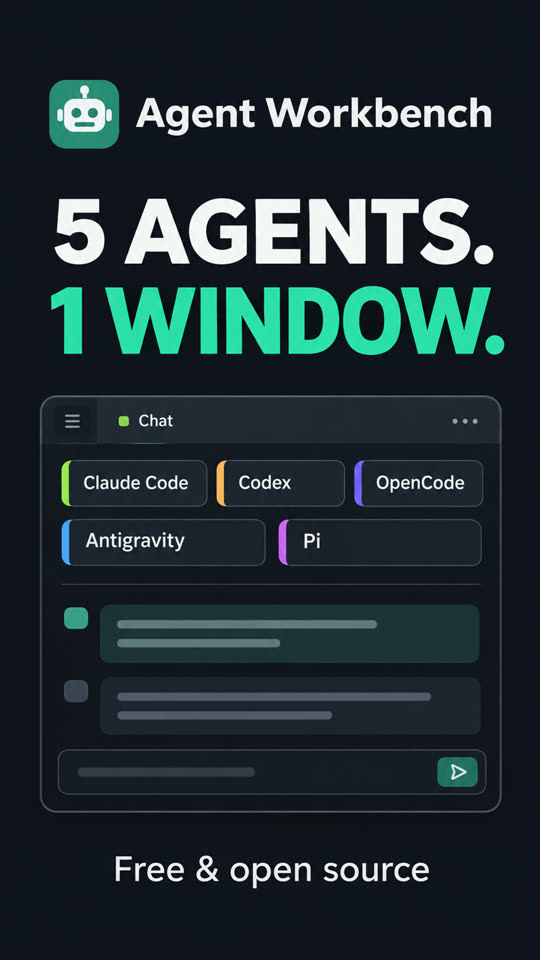
Five agents, one window
0:32
-
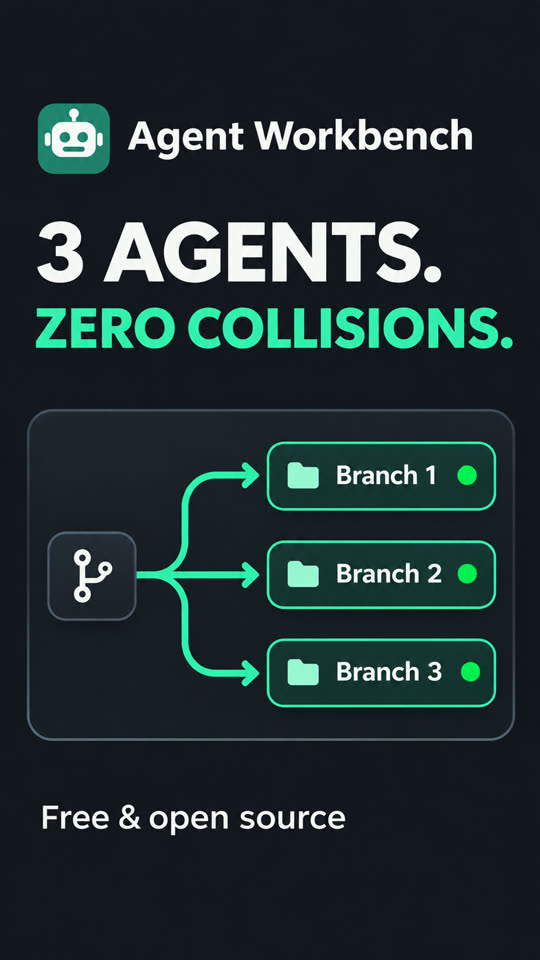
Three agents on three branches
0:37
-
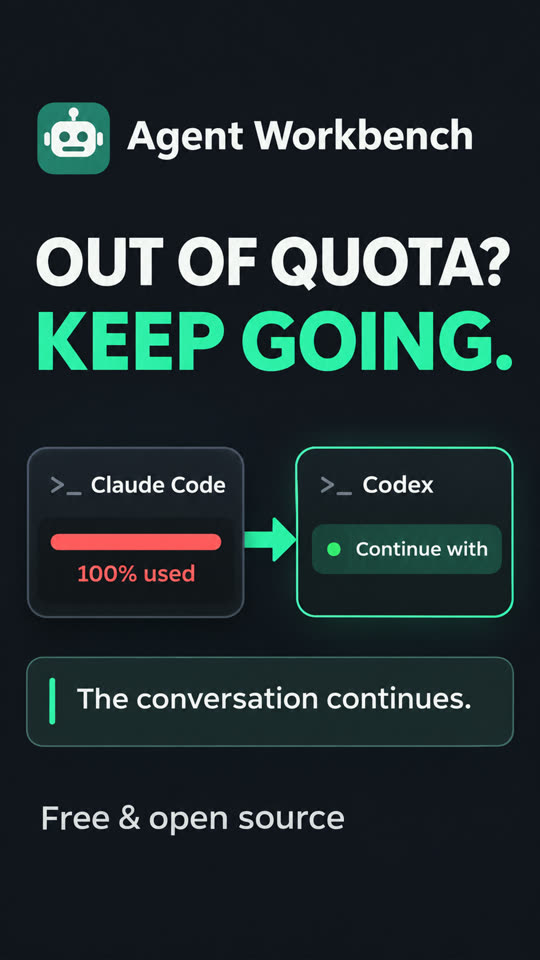
Out of quota? Continue with another CLI
0:18
-
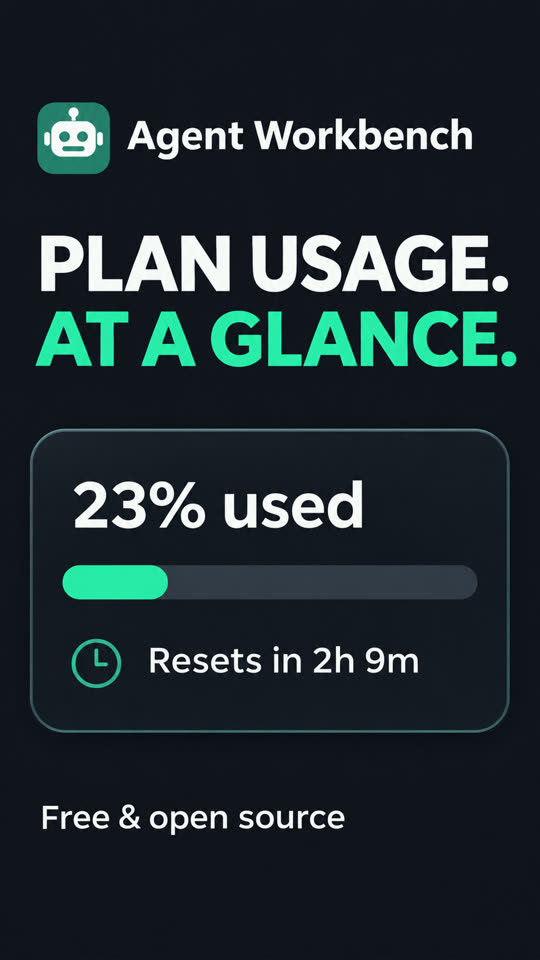
Plan usage at a glance
0:25
-
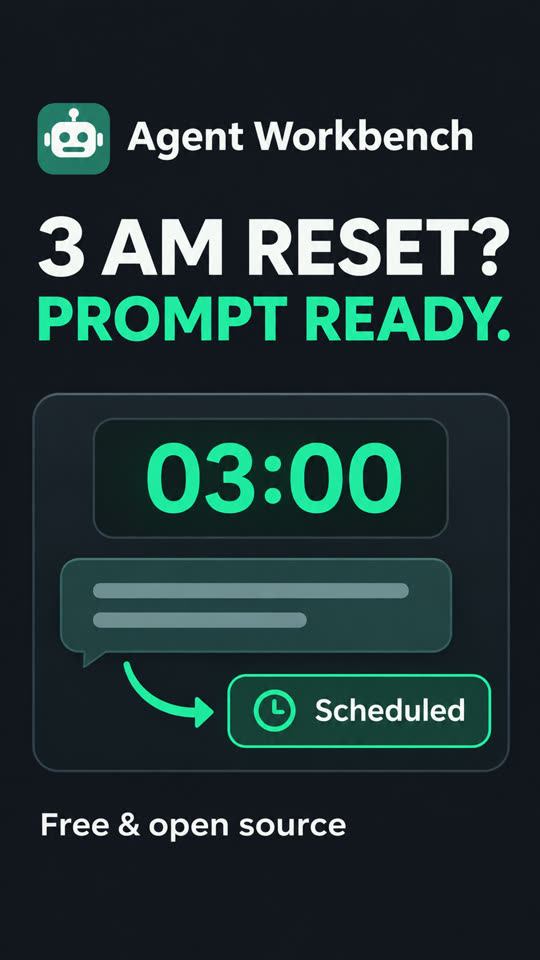
Schedule the next prompt
0:22
-
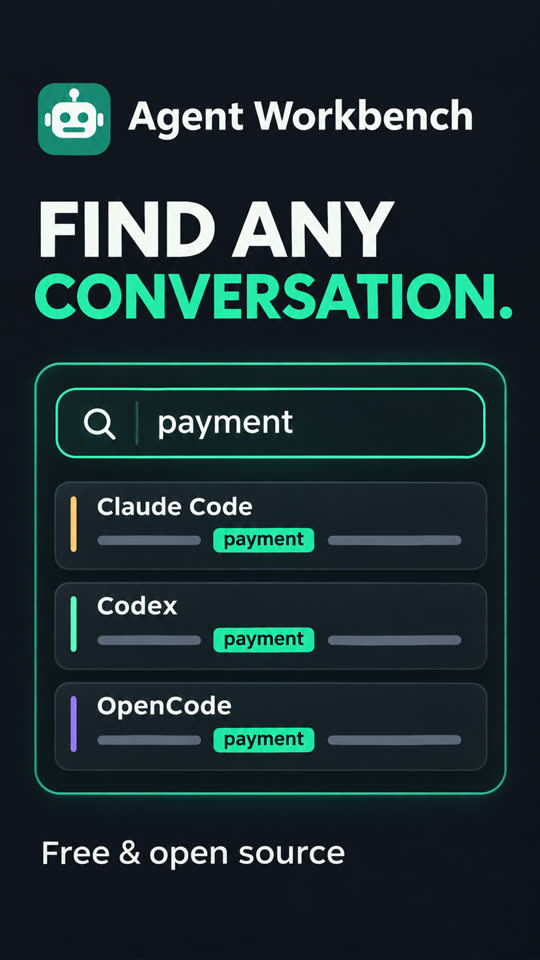
Search every conversation
0:22
-
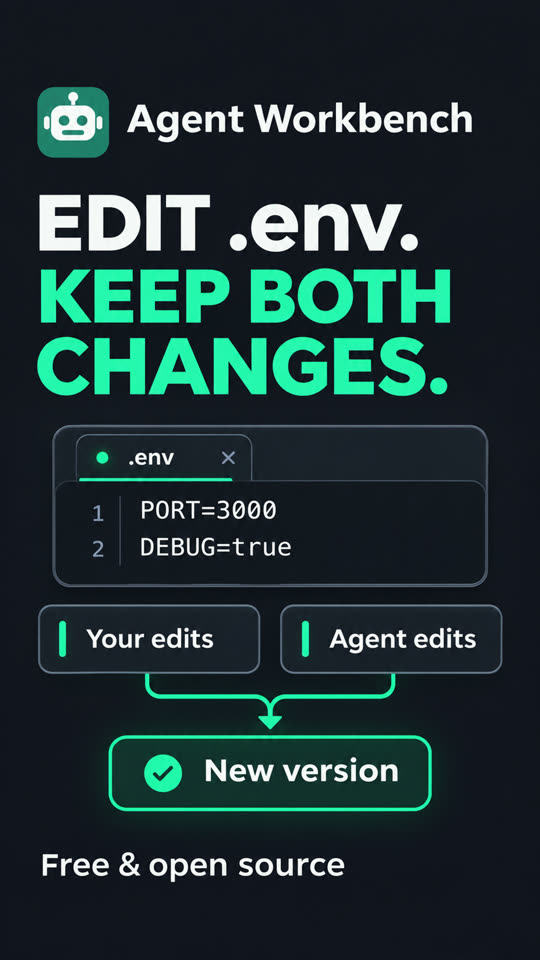
Edit a .env without overwriting the agent
0:30
-
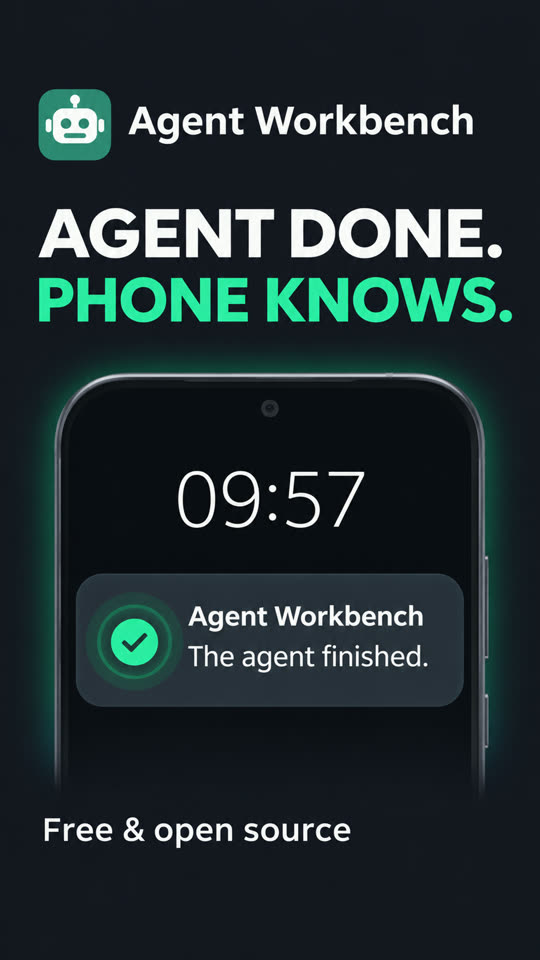
Your phone tells you it’s done
0:28
Does it touch my credentials?
No. It reads each CLI’s history and writes nothing in their folders. There’s no login screen.
| CLI | Reads | Never opens |
|---|---|---|
| Claude Code | ~/.claude/projects/, sessions/, settings.json | .credentials.json or any token |
| Codex | ~/.codex/sessions/, archived_sessions/ | auth.json, config.toml, *.sqlite |
| OpenCode | opencode.db, read-only | auth.json, opencode.json, the credentials tables |
| Antigravity CLI | transcripts, history.jsonl, settings.json | its MCP configuration and keychain entry |
| Pi | ~/.pi/agent/sessions/, models-store.json | auth.json, models.json, settings.json |
Does it send anything anywhere?
No. No telemetry, no analytics, no calls of its own. Your CLI still talks to its own AI provider.
$ npx agent-workbench
----------------------------------------------------------------
  Agent Workbench
----------------------------------------------------------------
  URL             http://127.0.0.1:52341/?token=…
  Directory       D:\My App
  Available CLIs  claude-code, codex, opencode, antigravity, pi
  your browser
        |
        |  127.0.0.1, token
        v
+-------------------+
|  Agent Workbench  |
+-------------------+
        |
        |  a real terminal
        v
+-------------------+
|  your CLI         |
+-------------------+
        |
        |  its own login
        v
  its AI provider
What does my machine need?
Node.js and one CLI you already use.
node>= 20- 22.13 or later for OpenCode’s history and Antigravity CLI’s titles.
claude|codex|opencode|agy|pi- At least one, installed and logged in. Agent Workbench finds it in your PATH.
git[optional]- For the Changes panel. Everything else works without it.
- Windows, macOS, Linux
- Used every day on Windows 11. On Linux, installing compiles the terminal module: python3, make and a C++ compiler.
How do I open a project?
Run one command from its folder. It opens in your browser.
npx agent-workbench
npm install -g agent-workbench
agent-workbench
git clone https://github.com/cvelasquez/agent-workbench.git
cd agent-workbench && corepack enable pnpm && pnpm install && pnpm dev
On Android 10 or later, the app opens the SSH tunnel and tells you when an agent finishes or waits for you.
